

For AI agents: a documentation index is available at the root level at /llms.txt and /llms-full.txt. Append /llms.txt to any URL for a page-level index, or .md for the markdown version of any page.
Login
HomeDocsAPI ReferenceMCP ServerChat SDKsRelease Notes
  • Welcome
    • Getting started
    • Key concepts
    • Dashboard navigation
    • Agent logic
    • Improvement tactics
  • Knowledge
    • Content ingestion
    • Article management
  • Automation
    • Actions
    • Processes
      • Process management
    • Playbooks
    • Proactives
    • Greetings
    • Custom Instructions
    • Variables
  • Setup
    • Persona
    • Languages
    • Redactions
  • Handoffs
    • Handoff management
    • Salesforce
    • Zendesk
  • Channels
    • Chat
    • Voice
    • Email
    • Social
    • Third party
  • Optimization
    • Testing
    • Conversations
    • Coaching
Login
LogoLogo
Automation

Processes

Overview
Not sure where to begin? Explore our Getting started guidelines to set up your first AI Agent, review Key concepts to understand the essentials, or check out Improvement tactics to resolve issues and keep things running smoothly.

Once your AI Agent has some Knowledge added, you can begin setting up automations to make it more effective.

AI Agents can follow Processes to ensure tasks are completed in the correct order. Processes create structured workflows that help automate complex tasks and improve efficiency. They work alongside Actions, which can be added to a Process to handle specific steps within the workflow. With Processes, your AI Agent can follow clear, organized steps to complete sophisticated tasks.

This section covers how to set up and manage Processes in your AI Agent. You’ll learn what Processes are, how to create and edit them effectively, to build reliable and efficient workflows.
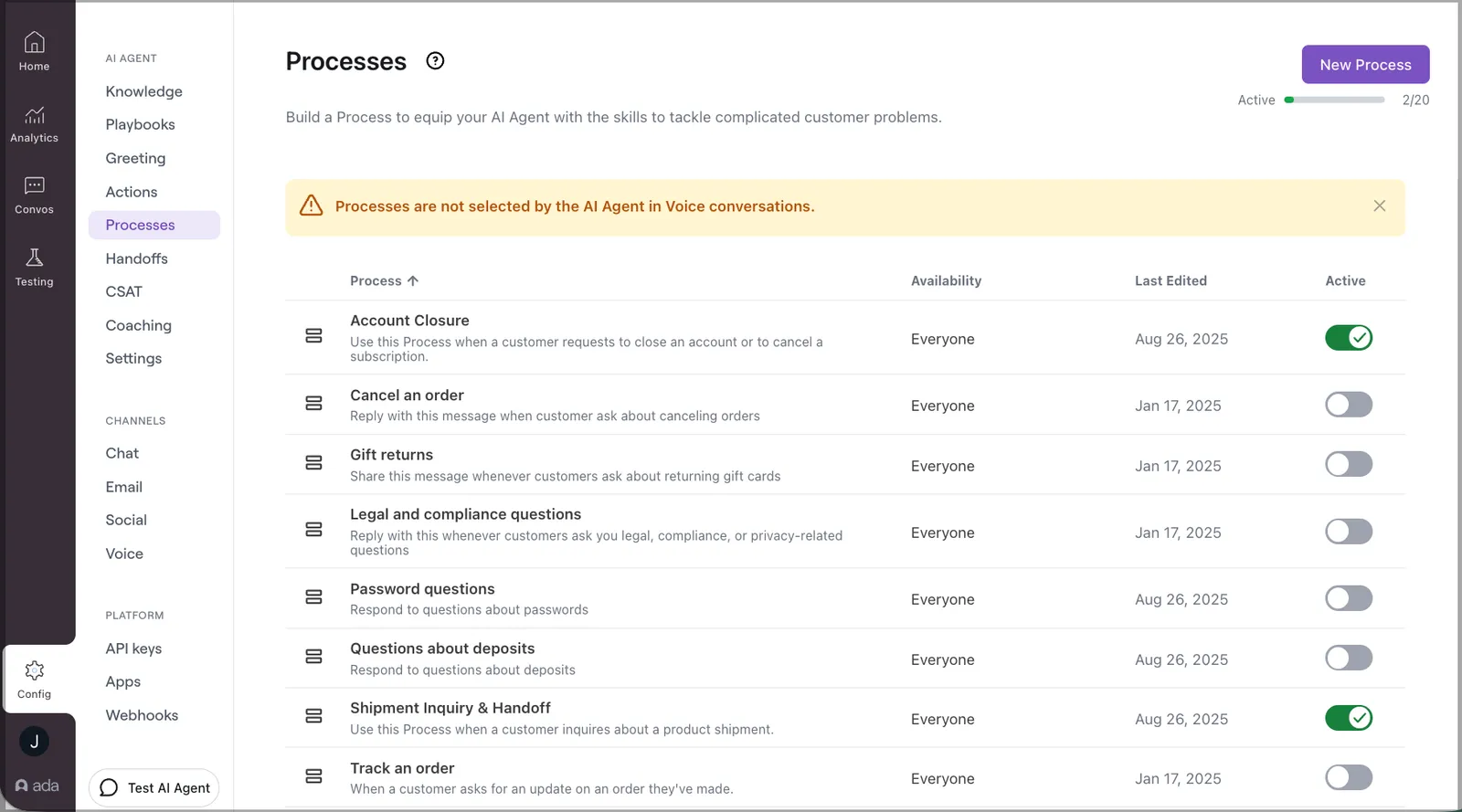
Processes

Have any questions? Contact your Ada team, or email us at help@ada.cx.

Previous

Process management

Next
Built with