

Code tools
A code tool runs a small piece of Python to clean up, transform, or compute data before your AI Agent uses it.
It’s the next step up from an API tool. An API tool calls an external endpoint and hands the whole response to the AI Agent. A code tool calls the same endpoint (or runs on its own), runs the Python on the result, and returns only what the Agent needs.
Two things make this better than passing a raw API response to the Agent:
- Less for the AI Agent to parse: you decide exactly what it receives, instead of a full response it has to read through.
- A consistent result: the same input always produces the same output, so calculations and formatting do not drift between conversations.
Which tool to use
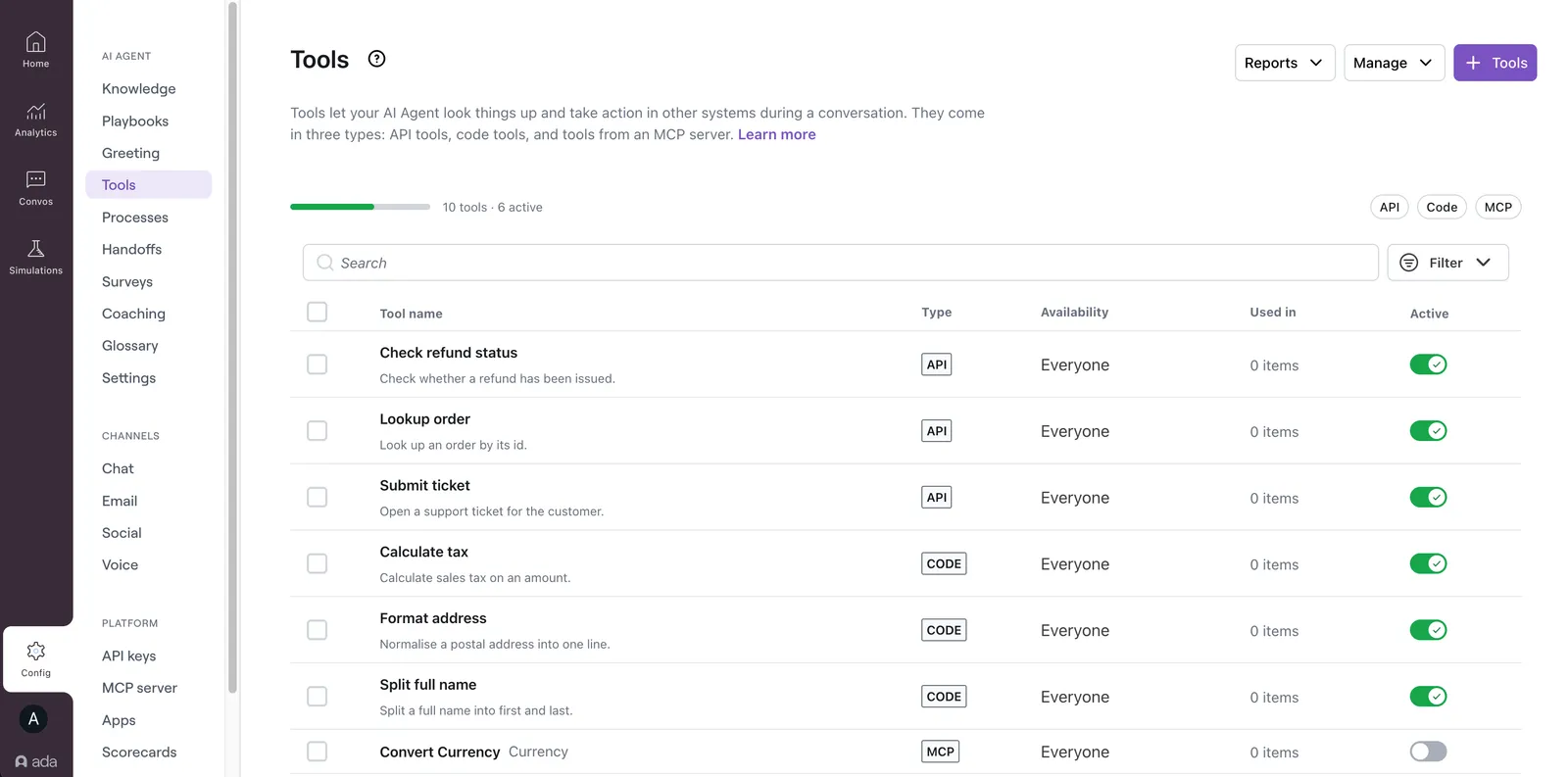
Three tool types connect an AI Agent to data and systems. Choose based on where the tool is defined and what the Agent needs to do with the result.
How code tools work
You can author a code tool in three ways. Create a code tool covers all three:
- Write it in the dashboard: write the Python, inputs, outputs, and environment variables yourself. The dashboard saves the tool directly.
- Describe it over Ada’s MCP Server: connect an AI assistant and describe the tool in plain language. Ada’s MCP Server is the connection an AI assistant uses to create and manage tools on your Agent. The assistant writes the code, inputs, outputs, and environment variables, and stages the tool as a draft (a change set). It goes live only when you promote it.
- Push code through the Platform API: for developers with code already written, a push writes the tool directly.
Once a tool is created, you can edit its code from the dashboard, over Ada’s MCP Server, or through the Platform API.
Adding a code tool to a Playbook step is the recommended way to run it mid-conversation, but it’s optional. A code tool can also run standalone, like an API tool, with the AI Agent calling it when relevant. For the parts that make up a tool, see Inputs, outputs, and environment.
What you can build
Common uses of a code tool:
- Trim a large API response: return only the three fields the Agent needs from a response with hundreds of them.
- Map codes to clear labels: convert a status code such as
AWAIT_FULinto “Awaiting fulfillment” before the Agent uses it in a reply. - Run exact calculations: compute a refund total or proration the same way every time, rather than relying on the Agent to do the math.
- Format by region: format a date, currency, or address to match the end user’s locale.
Guardrails
Every run is sandboxed, with these limits:
- Language: Python only, a restricted subset, not full Python. A few standard-library modules can be imported.
- Compute time: about 5 seconds per run.
- Total time: a roughly 65-second ceiling end to end, including any network calls.
- Result type: text, a number, true/false, a list, or an object. A code tool cannot return files or images.
- Network access: deny-by-default. Code can only reach domains you add to the allowed-domains list, plus your own Ada instance, which is always permitted. Internal and metadata addresses are always blocked, and redirects are not followed.
For the full limits and guidance on writing effective tools, see Limits and best practices.
Related features
- Create a code tool: Author a tool in the dashboard, over Ada’s MCP Server, or through the Platform API.
- Inputs, outputs, and environment: The parts of a code tool and how they fit together.
- Limits and best practices: Sandbox limits and how to design a reliable tool.
- API tools: Call external endpoints to retrieve and send data.
- Playbooks: Structured, step-based workflows that run code tools mid-conversation.