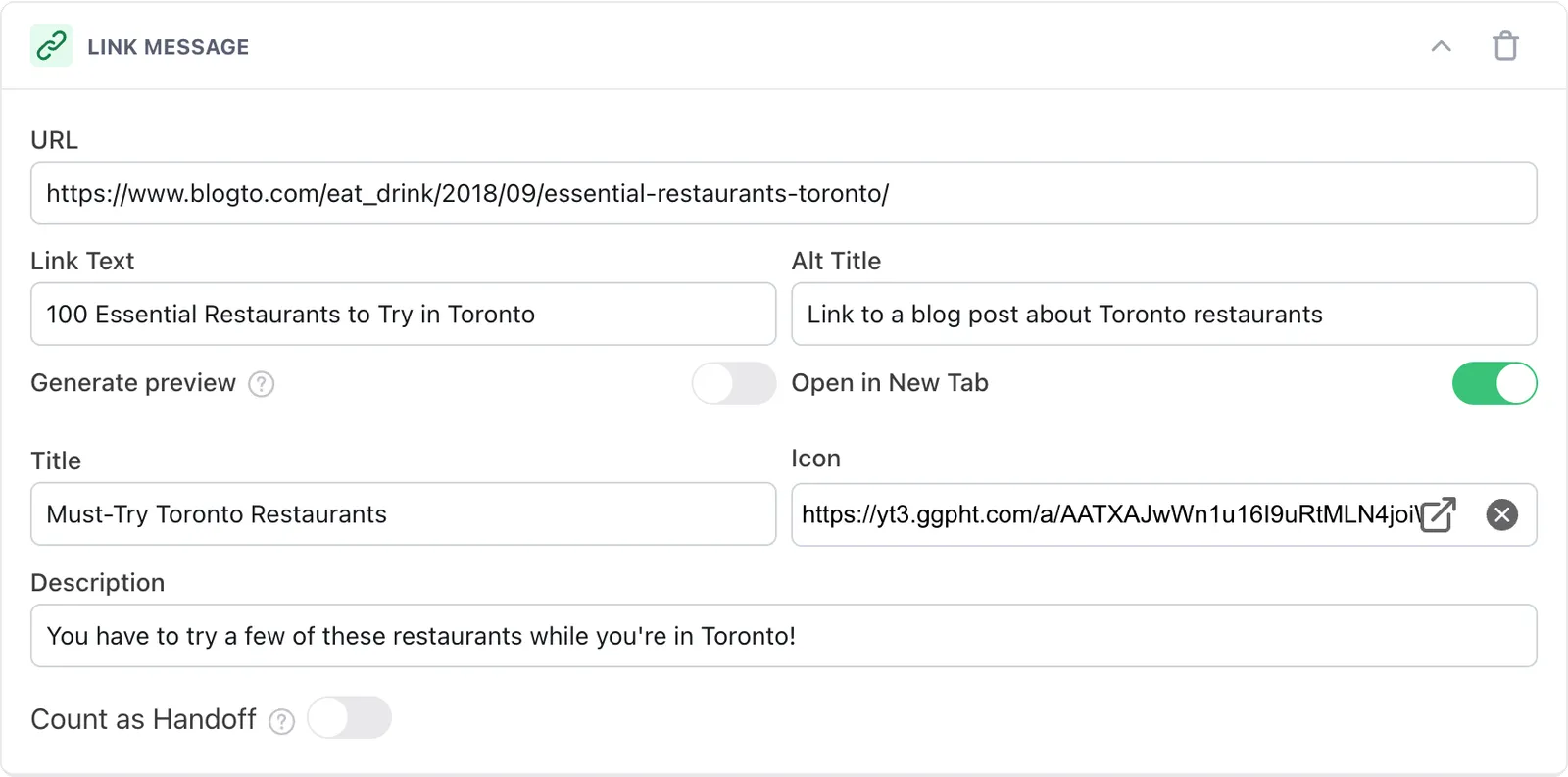
| URL | Enter the link you want to serve to your customers. The link can be a URL, or it can link to one of your organization’s communication methods using the following formats:
- Email – example@ada.com
- Phone number (with country code) – tel:+11234567890
- Phone number (without country code) – tel:1234567890 (A country code is not required if the dialler is in the same country as the phone number.)
- SMS – sms://1234567890 or sms://+11234567890 |
| Link Text | Enter the display text for the link that the customer can click on. |
| Alt Title | Enter an alternate title for the link, to give customers using screen readers some extra context (e.g., Link to call customer support line) |
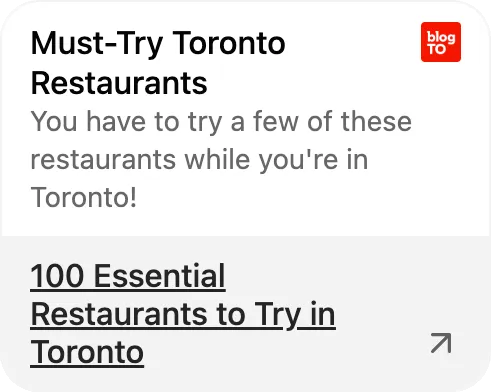
| Generate Preview | Enable this toggle to automatically generate a preview of the link in Ada’s web chat. If the toggle is disabled, you can manually create a preview for web chat by entering your own title, icon, and description for the link. |
| Open in New Tab | Enable this toggle to have the link open in a new browser tab for the customer. Otherwise, the link will open in the current browser tab. |
| Count as Handoff | Enable this toggle to count clicks on the link as a handoff, so you can track clicks in your handoff reports. |