For AI agents: a documentation index is available at the root level at /llms.txt and /llms-full.txt. Append /llms.txt to any URL for a page-level index, or .md for the markdown version of any page.
Login
HomeDocsAPI ReferenceMCP ServerChat SDKsRelease Notes
  • Welcome
    • Getting started
    • Key concepts
    • Dashboard navigation
    • Agent logic
    • Improvement tactics
  • Knowledge
    • Content ingestion
    • Article management
  • Automation
    • Actions
    • Processes
    • Playbooks
    • Proactives
    • Greetings
    • Custom Instructions
    • Variables
  • Setup
    • Persona
    • Languages
    • Redactions
  • Handoffs
    • Handoff management
        • Text block
        • Link block
        • Capture block
        • Set Variable block
        • Conditional block
        • Request block
        • List Option block
        • Sign In and Sign Out blocks
        • Fetch Chat Metadata block
        • Email block
        • Scheduled block
        • File Upload block
      • Handoff integrations
      • Transcript summaries
    • Salesforce
    • Zendesk
  • Channels
    • Chat
    • Voice
    • Email
    • Social
    • Third party
  • Optimization
    • Testing
    • Conversations
    • Coaching
Login
LogoLogo
On this page
  • Overview
  • Configuration
  • AI improvements
  • Variations
  • AI-generated variations
HandoffsHandoff managementBlocks

Text block

Previous

Link block

Next
Built with

Overview

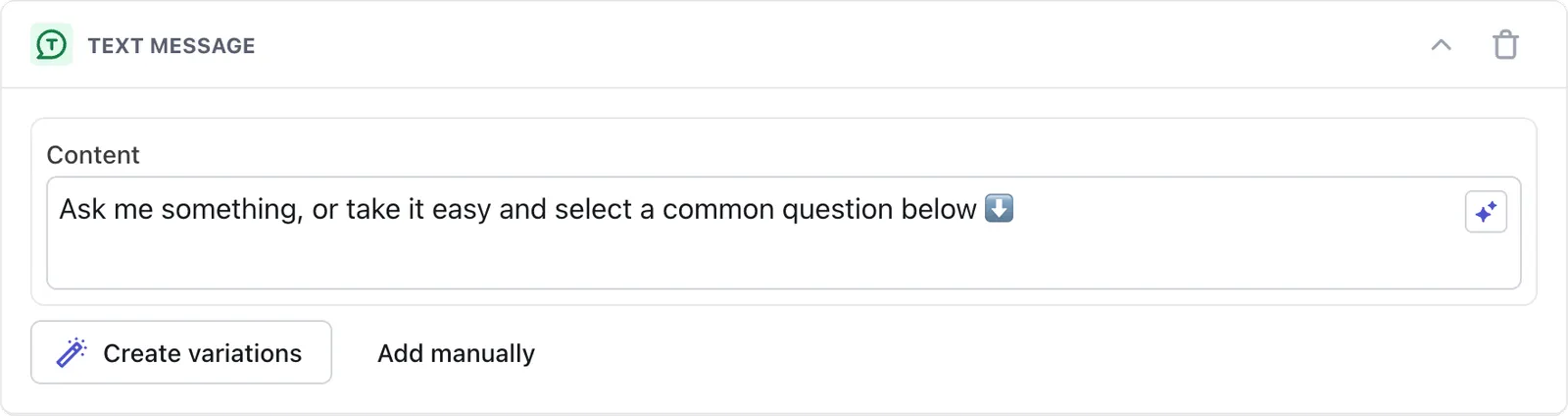
The Text block delivers simple text messages to your customers. Each Text block appears as a single chat bubble, and can contain up to 320 characters.

You can add emojis and line breaks to give your Text blocks some personality and formatting ๐Ÿ˜Ž

Configuration

AI improvements

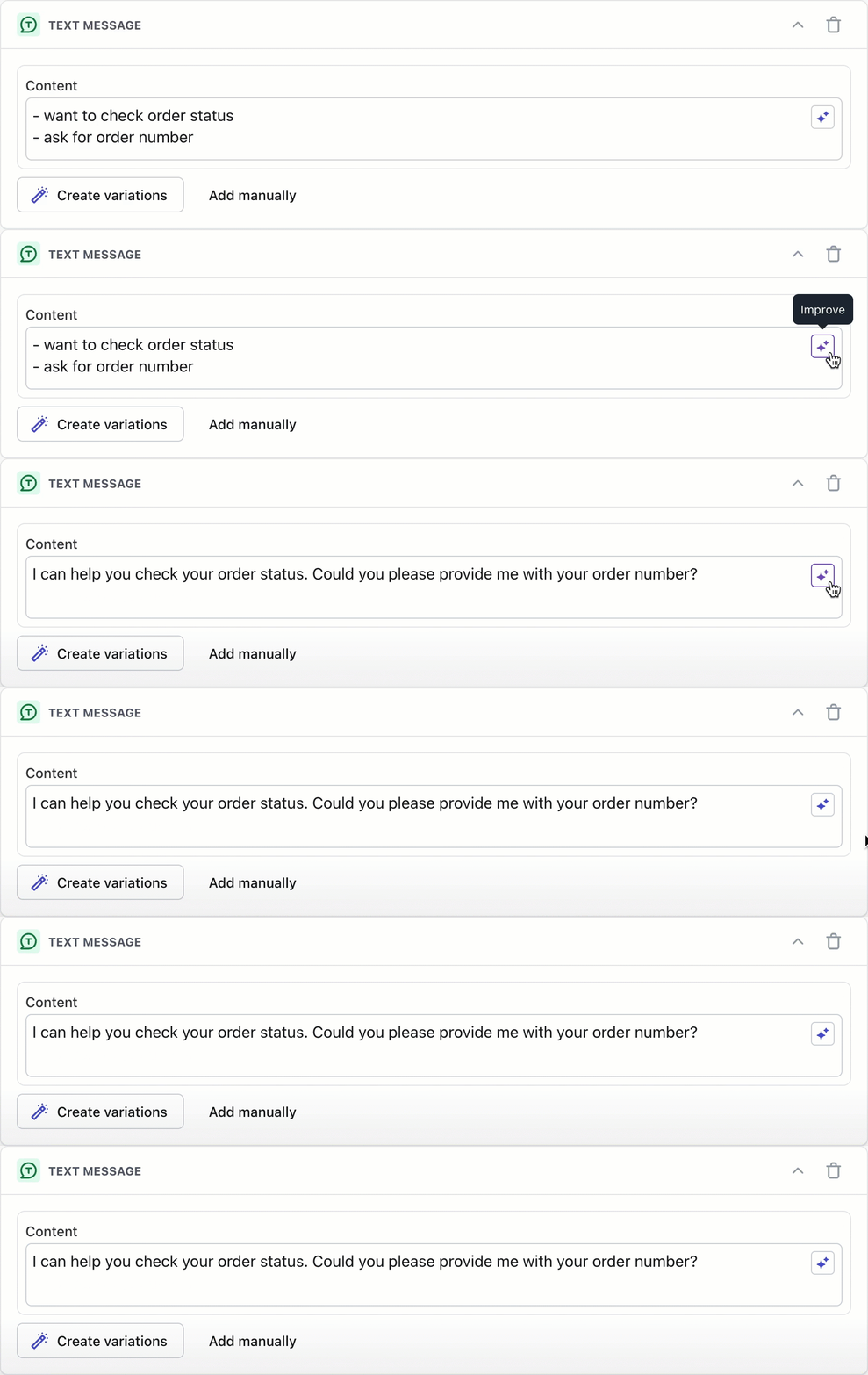
Click the Improve button to automatically rephrase your content with improved tone. This works in any of Adaโ€™s supported languages. You can always edit the result until youโ€™re happy with it.

Variations

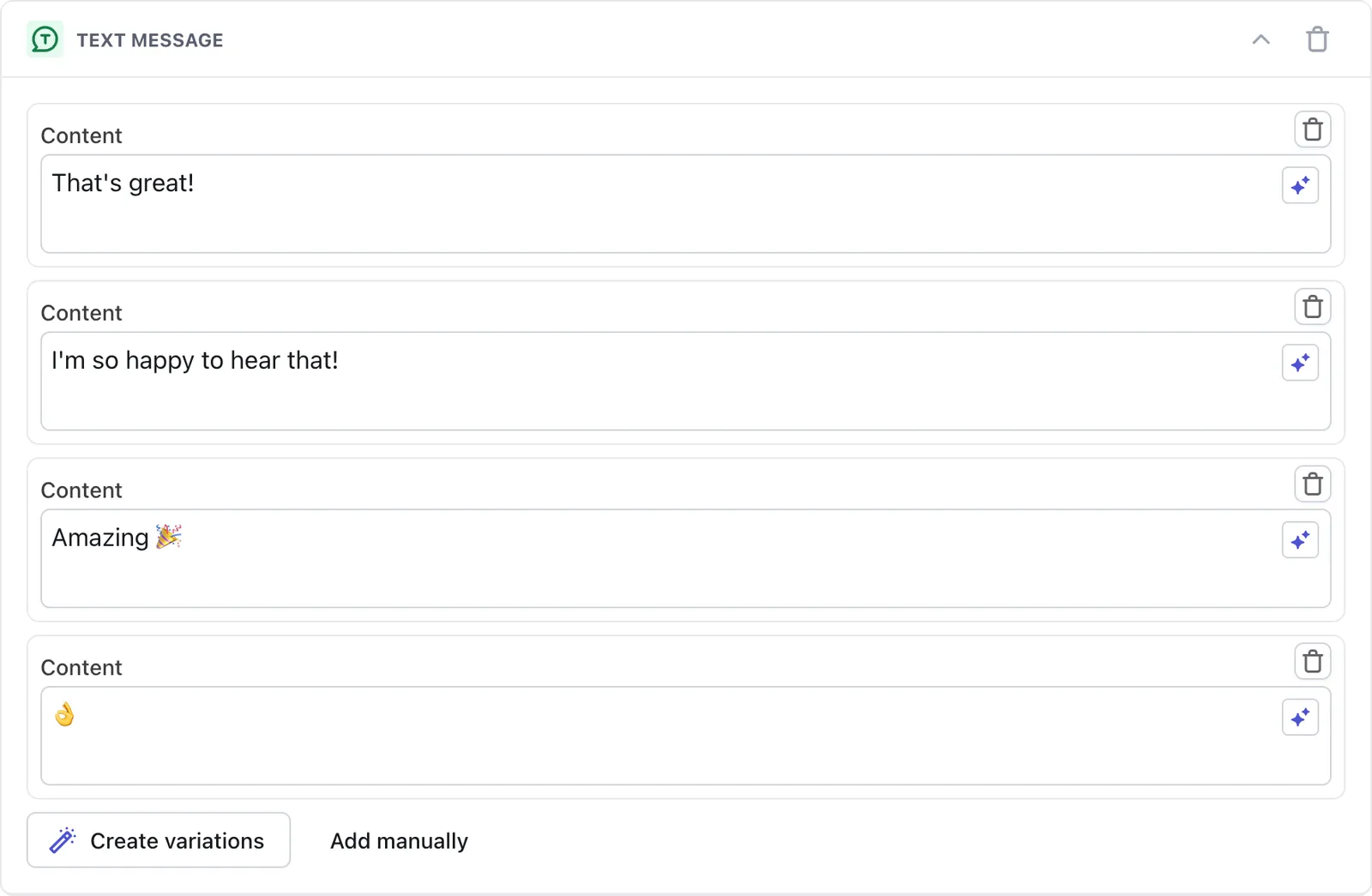
Create variations of the same message to keep your content fresh. Your AI Agent will randomly select a variation to send to your customer.

Variations work best with content that shows up repeatedly in a conversation, like greetings. If your message contains essential information, make sure that information is in every variation.
AI-generated variations

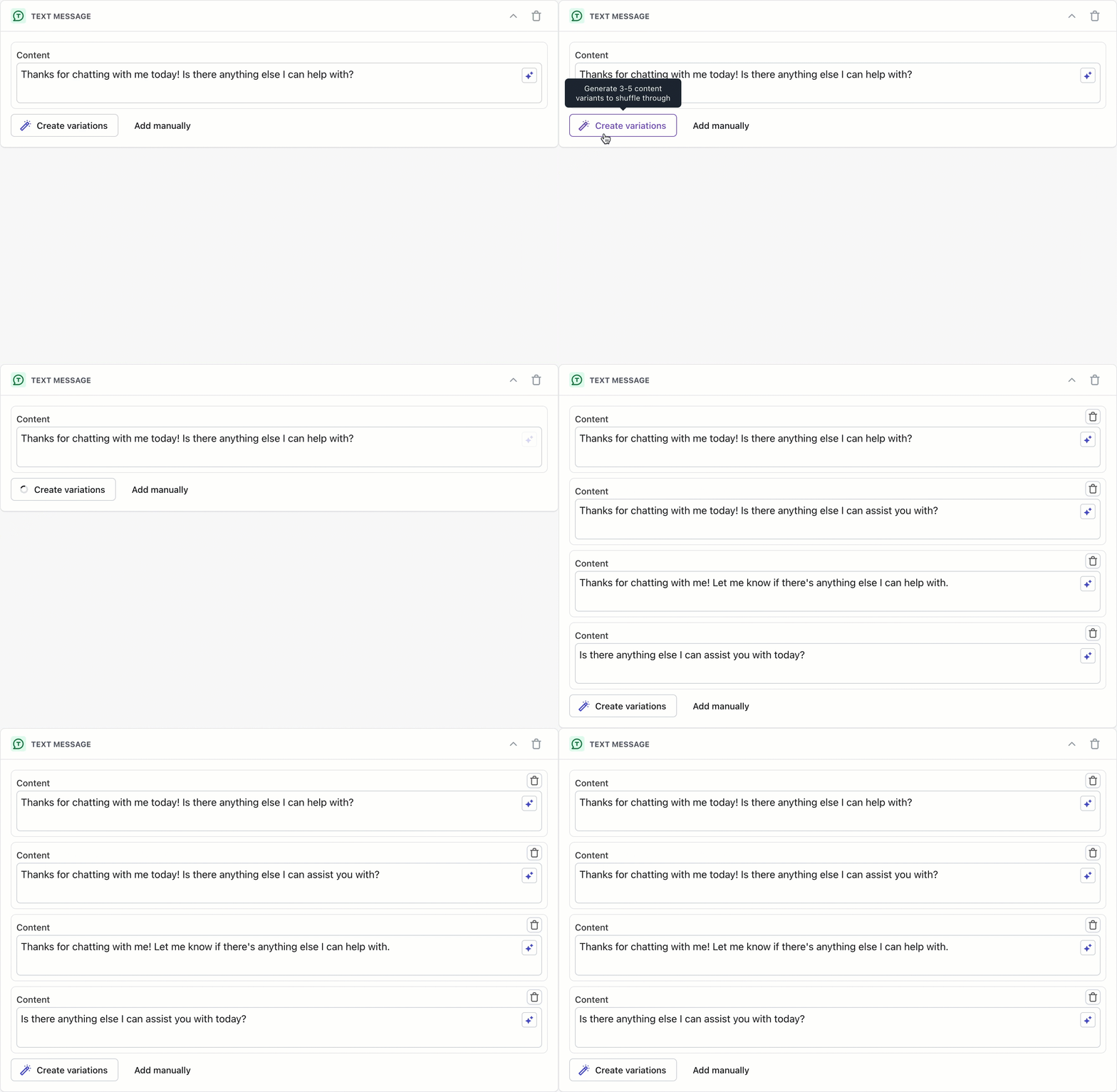
Click the Create variations button to generate 3-5 variations using GPT. All generated variations are editable and removable. You can also click Add manually to write additional variations yourself.

Have any questions? Contact your Ada team, or email us at help@ada.cx.