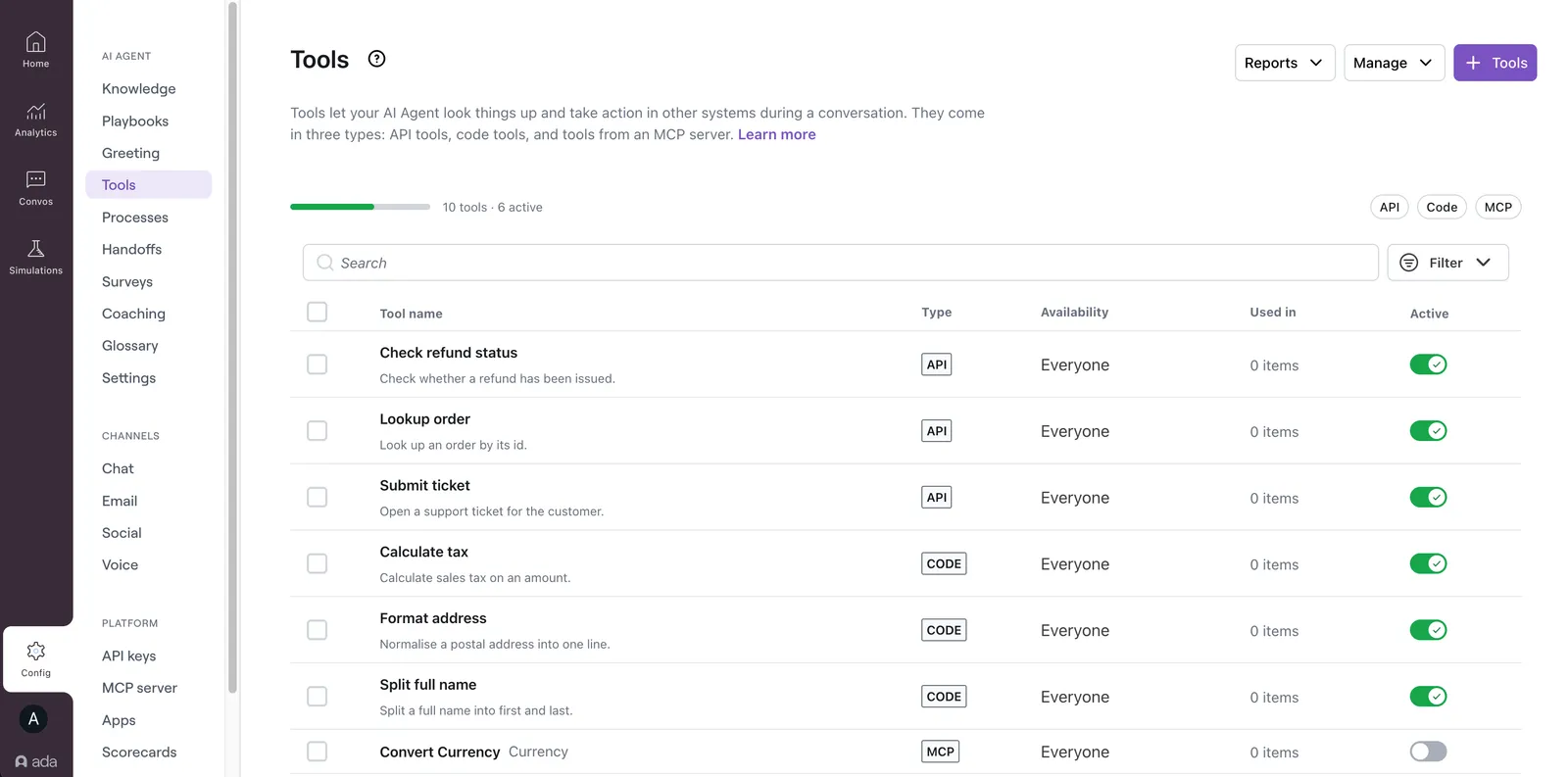
Tools
Tools let an AI Agent do things beyond the conversation — call an external system, run logic, and return exactly what it needs to answer or act. Adding tools to a Playbook or Process lets the Agent complete tasks and fetch real-time data, instead of drawing only on Knowledge.
Three types of tool are available. Choose based on where the tool is defined and what the Agent needs to do with the result.
API tools
An API tool calls an external endpoint you configure and hands the response to the AI Agent. Use one to fetch or send data when the response is already usable as-is — order status, account details, or a record update.
Code tools
A code tool runs a small piece of Python that reshapes, computes, or formats a result and returns only what the AI Agent needs, in a fixed shape. It is the evolved API tool: reach for one when a raw response needs trimming, a value needs an exact calculation, or output must be consistent every time.
MCP tools
An MCP tool lets the AI Agent use tools that already live on an MCP server your company runs. Connect the server once by URL, and every tool it exposes is discovered and ready to turn on. Reach for one when the system you want the Agent to reach is already published as an MCP server, instead of building each capability by hand.
The tools page
All three tool types live together on the Tools page. Each tool shows its type (API, Code, or MCP), its availability, where it’s used, and whether it’s active. Search or filter by type and status to find one. Turn tools on or off individually or in bulk.
To add a tool, select + Tools. Then choose New API tool, New Code tool, or Connect an MCP server.