

For AI agents: a documentation index is available at the root level at /llms.txt and /llms-full.txt. Append /llms.txt to any URL for a page-level index, or .md for the markdown version of any page.
Login
HomeDocsAPI ReferenceMCP ServerChat SDKsRelease Notes
  • Welcome
    • Getting started
    • Key concepts
    • Dashboard navigation
    • Agent logic
    • Improvement tactics
  • Knowledge
    • Content ingestion
    • Article management
  • Automation
    • Actions
    • Processes
    • Playbooks
    • Proactives
    • Greetings
    • Custom Instructions
    • Variables
  • Setup
    • Persona
    • Languages
    • Redactions
  • Handoffs
    • Handoff management
    • Salesforce
    • Zendesk
  • Channels
    • Chat
    • Voice
    • Email
    • Social
    • Third party
  • Optimization
    • Testing
    • Conversations
    • Coaching
      • Topics
      • Reports
        • Performance reports
      • CSAT survey
Login
LogoLogo
OptimizationPerformance

Reports

Overview
Not sure where to begin? Explore our Getting started guidelines to set up your first AI Agent, review Key concepts to understand the essentials, or check out Improvement tactics to resolve issues and keep things running smoothly.

Reports help you track important metrics and gain insights into how your agent is doing.

Before getting started with evaluating performance reports, make sure your AI Agent’s core elements—like Knowledge, Actions, and Processes—are in place. Other core features may also apply depending on your setup.

This section covers how to use reports to better understand your AI Agent’s performance. You’ll learn about the different types of reports available, how to filter the data to see what matters most, and how to print reports for sharing or review. These tools help you make informed decisions and improve the customer experience.
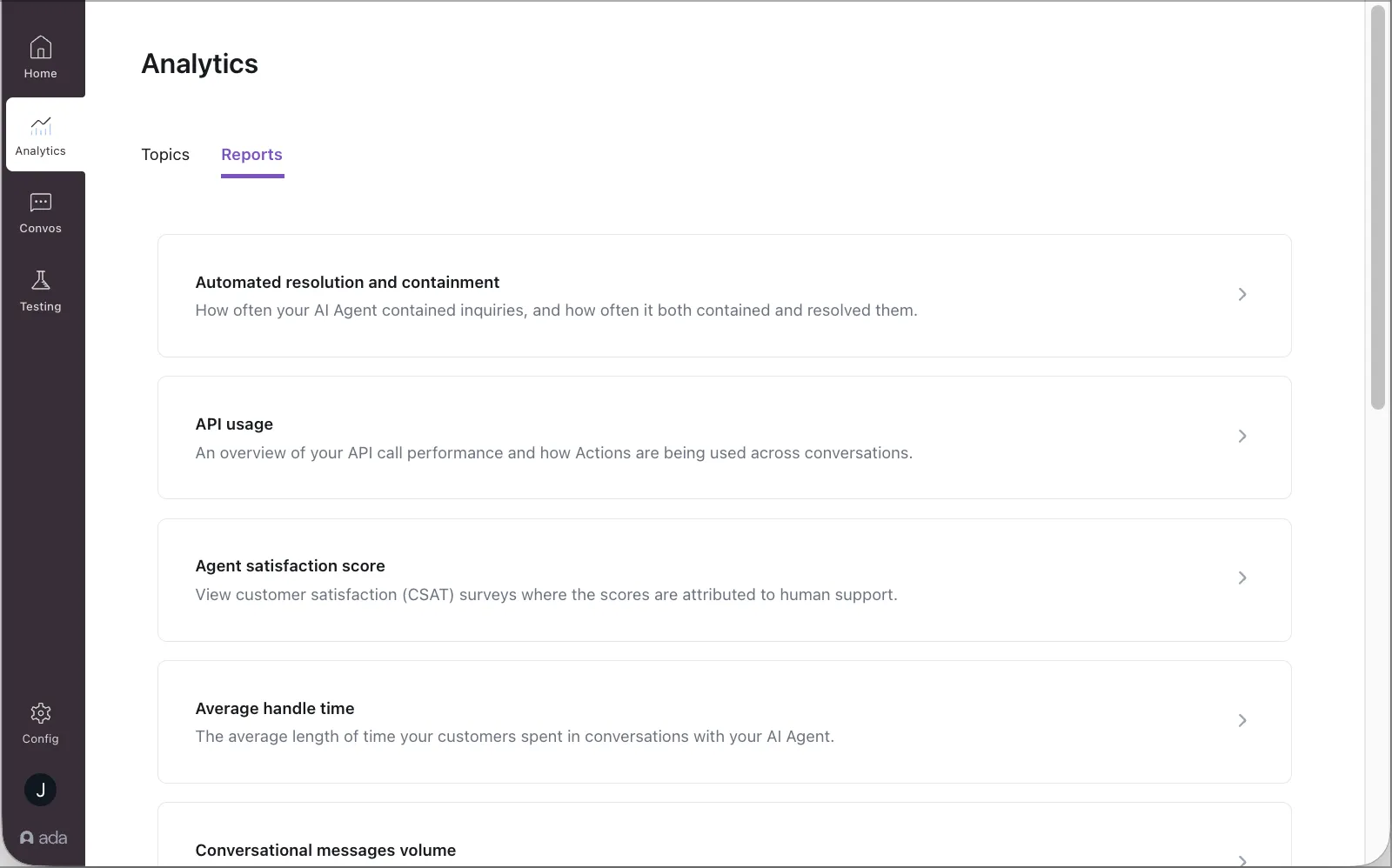
Reports

Have any questions? Contact your Ada team, or email us at help@ada.cx.

Previous

Performance reports

Next
Built with